
Documentation: Smart Home Integrations
Here you will find detailed instructions for integrating the Abfall-Abfrage Converter into various smart home systems. Select the desired system from the tabs below.
Abfall OÖ integration
Prerequisites
- A smartphone with iOS or Android
- The official Abfall OÖ App must be installed on your device
Step-by-step instructions
Download app and export calendar
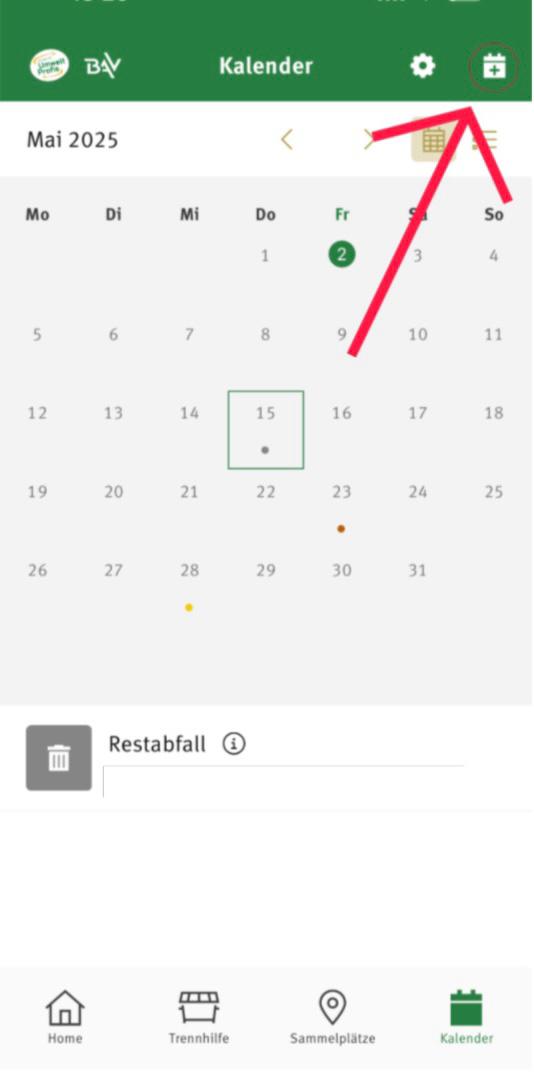
Install the Abfall OÖ App on your smartphone. Set up your waste calendar and use the export function to export the calendar as iCal. You will receive a link.
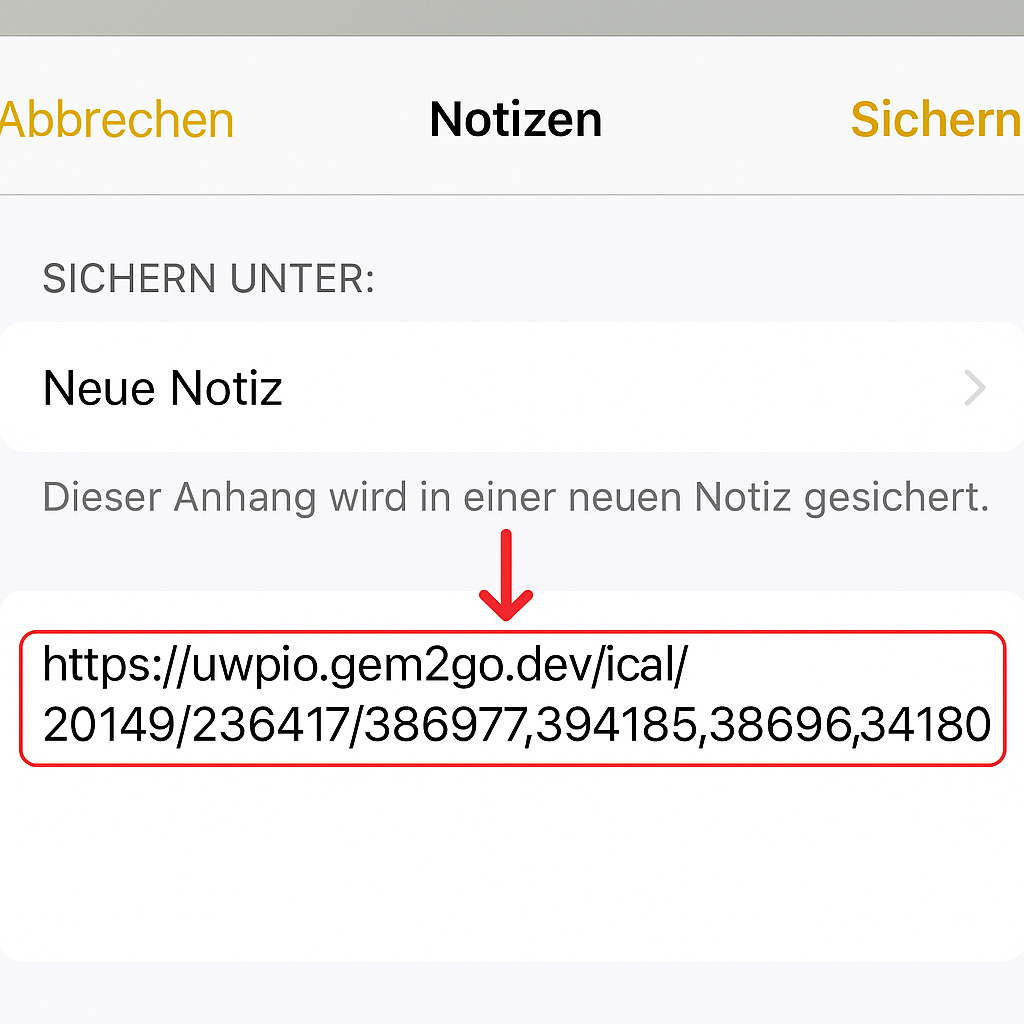
Save export link in notes
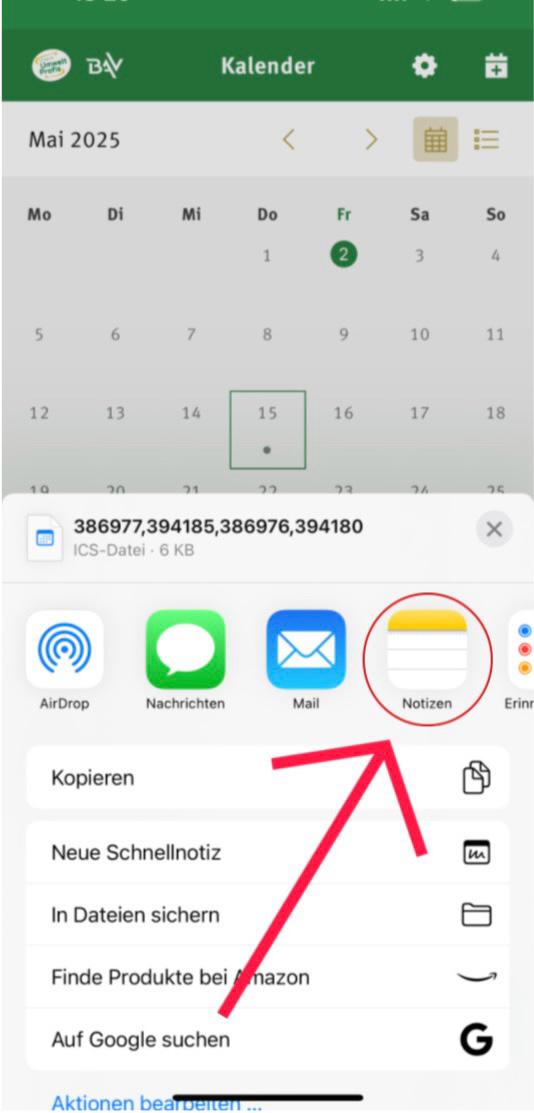
Copy the export link and save it in a notes app so you can easily access and copy it.
Insert link into converter
Open the website abfall-abfrage.com and paste the copied link into the provided field. Then convert it to the desired format for your smart home system.
Important note on data security
If the Abfall OÖ App restricts or changes this export function in the future, this service will continue to work. The format is stored on my server and remains available even if the original service changes.
Next steps
After you have received your personal link code, you can integrate it into your smart home system: